





1. Fireplace & opening
For doors, identify masonry or prefab and provide the make/model when present. Record opening measurements and include a straight-on photo. For multiple units, label each opening separately.
Door measurement guide →ExceptionalFire Pro Partner
For designers, contractors, electricians, builders and architects. Plan doors, screens and mantels with product guidance, then use your Pro account to check eligible items and your trade rate.
Starts at 10% on ExceptionalFire-manufactured doors, screens and mantels, up to 20%. Some products earn a reduced discount or none. Your dashboard shows eligible items and your exact rate.

Before you specify
For doors, identify masonry or prefab and provide the make/model when present. Record opening measurements and include a straight-on photo. For multiple units, label each opening separately.
Door measurement guide →Choose the product style and finish reference together. Note whether dimensions describe the fireplace opening or the finished product. Do not use a room photo as a dimensioned drawing.
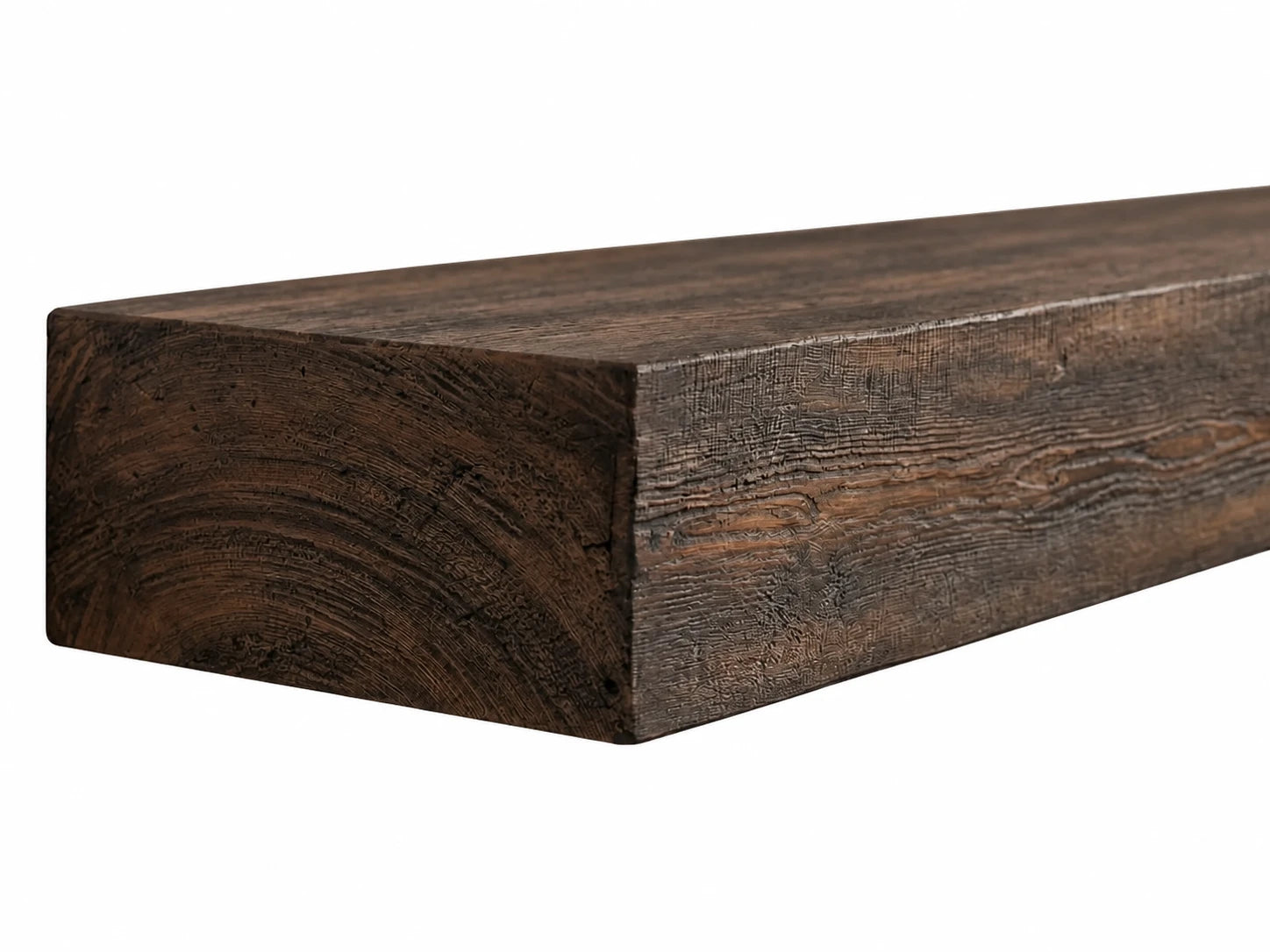
Door selection guide →Check the chosen product’s mounting requirements, clearances and included parts with the installer. For mantels, include the shelf depth and fireplace model as well as the desired length.
Mantel planning guide →Share the jobsite ZIP code and the date you need the products. Confirm current lead time, delivery access and any freight requirements before scheduling installation.
Shipping & delivery →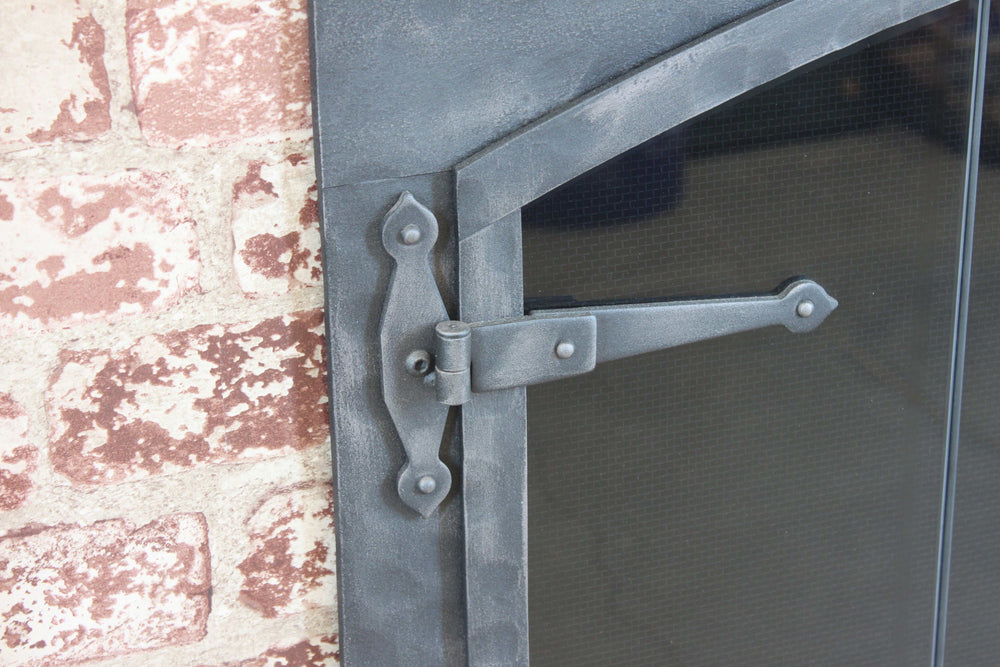
From concept to specification
A finish reference tells us what the client likes. A fireplace model, opening dimensions and installation details tell us what needs checking. Include both in the project brief.
For a project with several fireplaces, use one clearly labeled set of photos and measurements for each opening. This avoids mixing one room’s dimensions with another room’s selected style.
Every account starts at 10%. Each $10,000 in lifetime purchases raises your rate by 1% — automatically. No forms, no renegotiating, and your rate never resets.
Enter your company and contact details below. Keep the same work email for future sign-in.
Your dashboard shows your trade code and account information. Some items have a reduced discount or no discount; do not apply the maximum rate to an entire project estimate.
Review fit, selected options, included equipment, lead time and delivery requirements before ordering custom products.
Free to join. Starts at 10% on ExceptionalFire-manufactured doors, screens and mantels. Your rate is yours — it never resets.
For business purchasers: designers, contractors, electricians, builders, architects. Applications are reviewed; misuse may be revoked.
Your personal trade code is live at 10% — it's tied to your business and it's yours for good.
EFPRO-Use it at checkout on eligible doors, screens and mantels. We've also saved it to your account — sign in with this email any time to see your rate, savings and orders.
Open My Pro Dashboard